>_ Git Commands Made Simple
Git commands at your fingertips
No need to memorize commands anymore. Find, copy, and execute Git commands with confidence. Perfect for developers of all skill levels.
One-click copySmart searchLearn by doing
Create New Project Repository
Initialize Git repository
git initAdd all files to staging
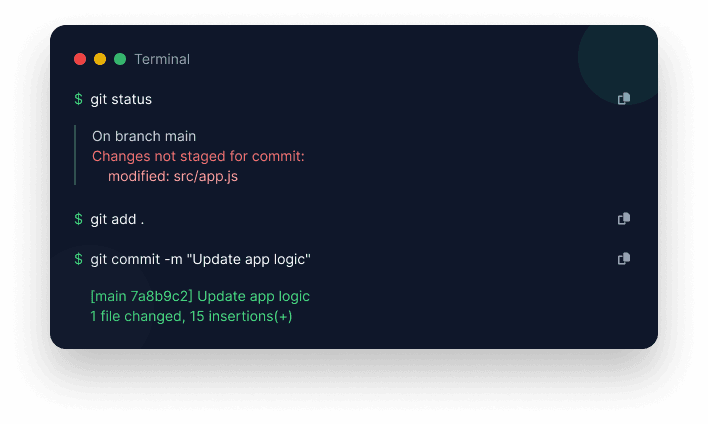
git add .Check repository status
git statusCreate first commit
git commit -m "first commit"Set main branch
git branch -M mainAdd remote origin (replace with your repo URL)
git remote add origin https://github.com/username/repo.gitPush to remote repository
git push -u origin mainUpdate Existing Repository
Check repository status
git statusAdd all modified files to staging
git add .Check repository status again
git statusCommit changes
git commit -m "first commit"Push changes to remote repository
git pushClone & Update Repository
Clone repository from GitHub
git clone https://github.com/username/repository-name.gitNavigate into project directory
cd repository-nameCheck repository status
git statusAdd all modified files to staging
git add .Commit changes
git commit -m "your commit message"Push changes to remote repository
git pushManage Git Accounts
Set global Git username
git config --global user.name "YourGitHubUsername"Set global Git email
git config --global user.email "your-email@example.com"Check configured username
git config --global user.nameCheck configured email
git config --global user.email